Electronic document signing
Clients sign contracts, consents and questionnaires electronically — on a staff member's screen, via a link in an SMS or in the client app. The document is stored in the client's profile and in the “Client documents” section.
1. Prepare a template
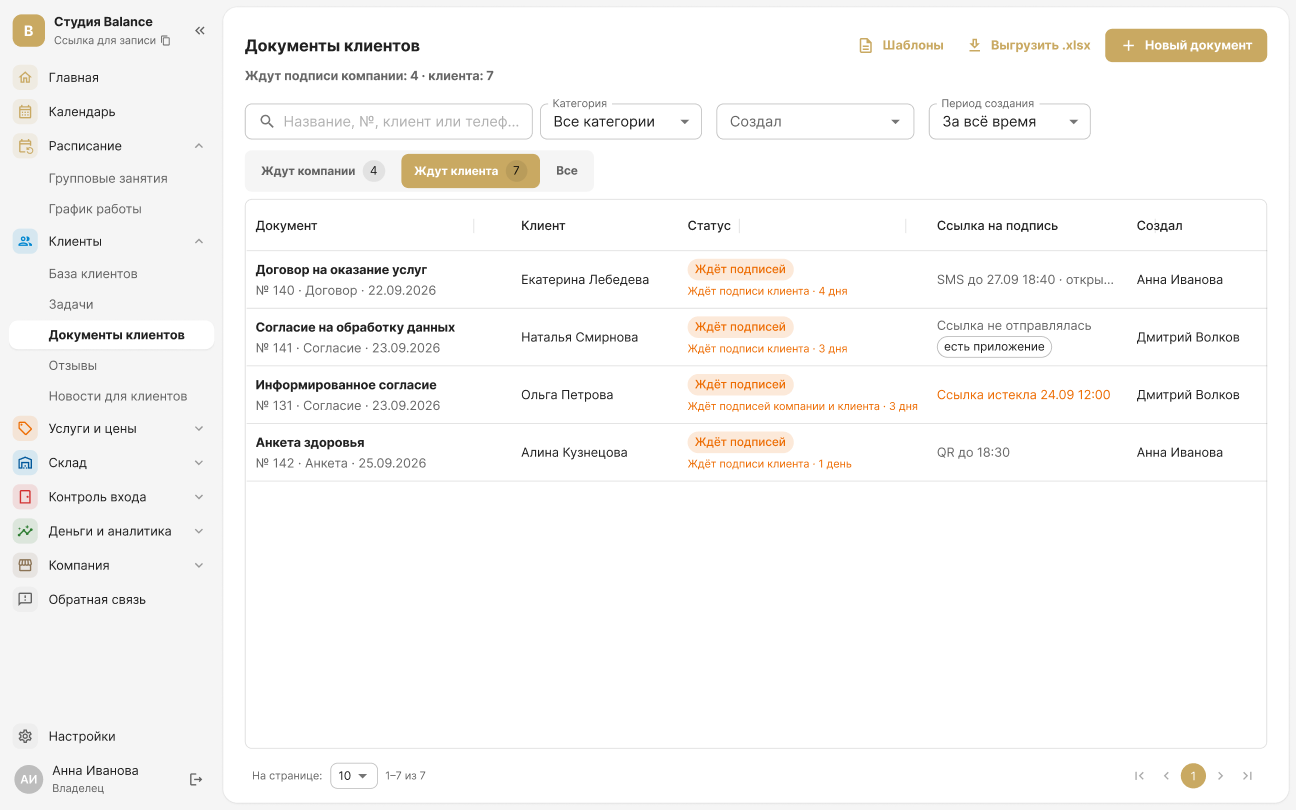
In Clients → Client documents, click Templates and create a contract or a consent. The system fills in the client's name, the date and the document number itself, while fields such as “Contract number” or “Valid until” are filled in by a staff member when creating the document. Templates are created by the owner and administrators.
2. Create a document
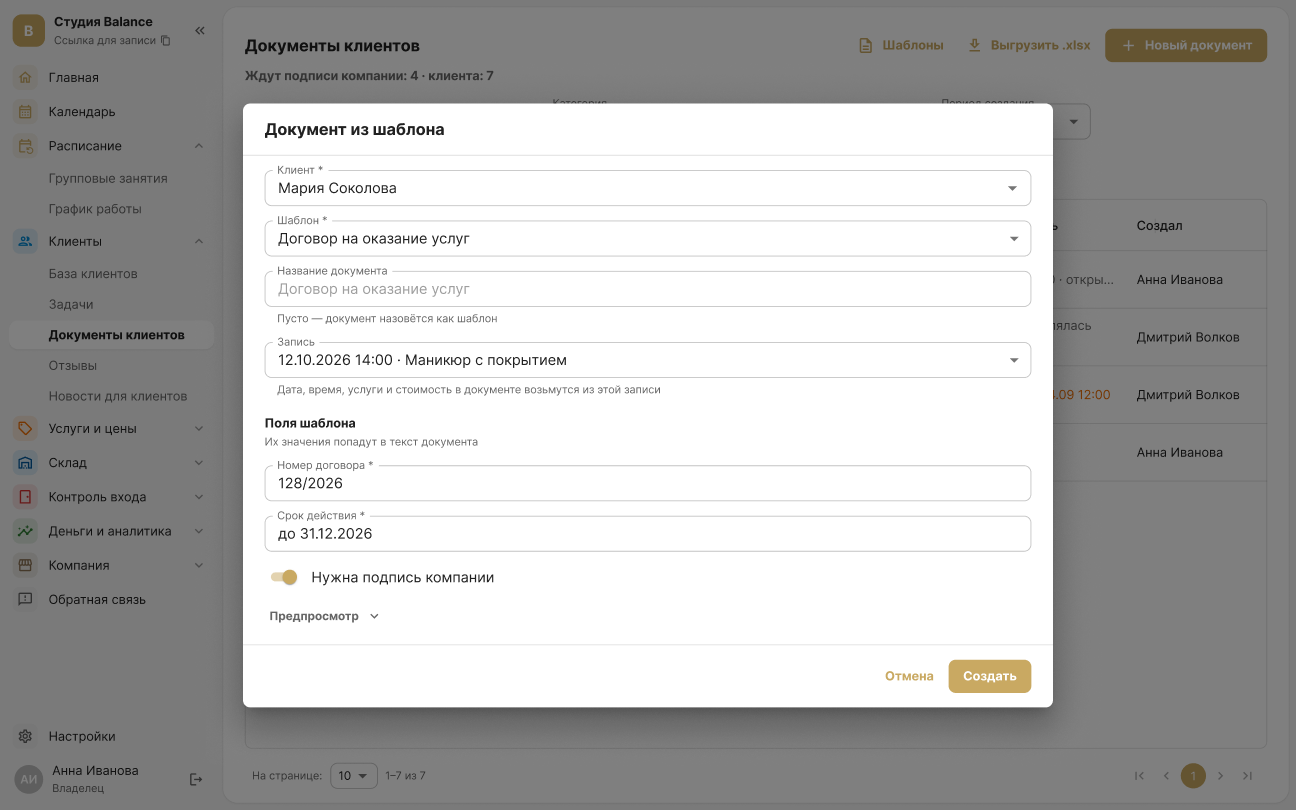
Click “New document” → “From a template”. Choose the client, the template and, if needed, a booking — its date, services and price go into the document. Fill in the template fields and click Create. A ready-made contract can be uploaded with Upload a PDF or photos.
3. Send the document to the client
The client signs in one of these ways:
- On screen — signs with a finger, mouse or stylus right at your desk.
- Via a link — receives an SMS and confirms the signature with a code from the SMS.
- Via a QR code — opens the document on their own phone while standing next to you.
- In the app — the document appears in the “My documents” section.
Before signing, the client accepts the terms of the simple electronic signature. A representative — for example, a parent or guardian — can sign on the client's behalf.
SMS with the link and the code are charged to the company's SMS package. An SMS link is valid for 7 days, a QR code for 30 minutes.
4. Sign for the company
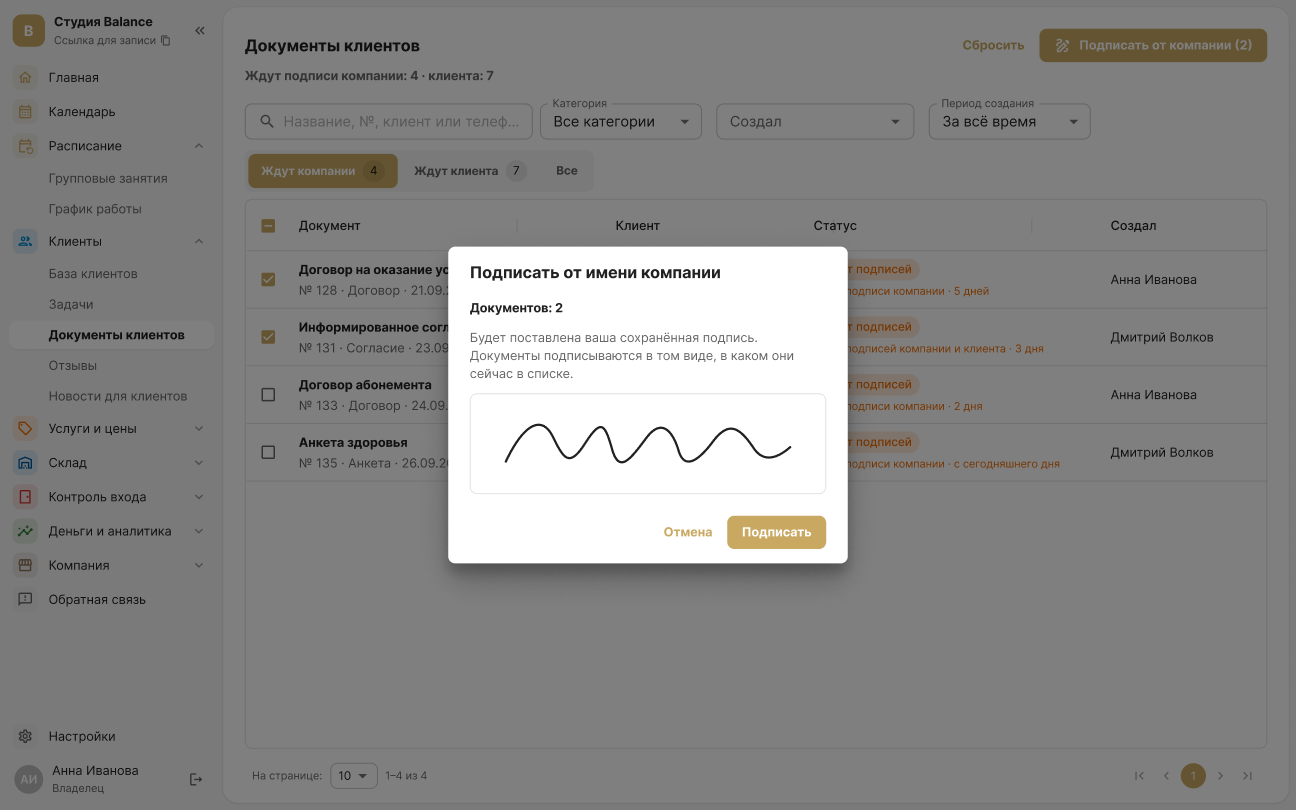
If Company signature required was on when the document was created, open the Awaiting company tab, select the documents and click Sign for the company — your saved signature is applied. You only need to draw it once: Settings → Personal → My signature.
The owner and the employees the owner has given signing rights to can sign for the company.
5. Track the status
The Awaiting company and Awaiting client tabs show whose signature is missing and where the signing link is now. A signed document can't be changed — it can only be voided with a reason.